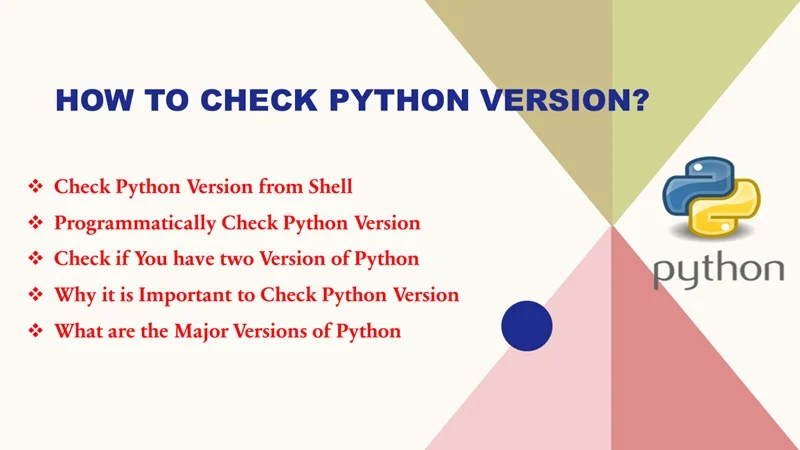
Why Checking Python Version Matters
Understanding your Python version is critical for compatibility, security, and reliable automation. Key reasons include:
- Syntax and library compatibility vary across Python versions (e.g., Python 2 vs Python 3).
- Many environments and tools rely on specific versions—knowing what’s installed helps prevent runtime errors.
- In automation, CI/CD, containerization, or cloud deployments, version mismatches can break workflows—so verifying the correct interpreter is essential
Table of Contents
Ways to Check Python Version
Command Line / Terminal
You can check your Python version using shell commands:
python –version
python -V
python3 –version
python3 -V
For more detailed info (introduced in Python 3.6+):
python3 -VV
- outputs the version, build date, and platform info.
In Python Scripts
Programmatically detect the version within a script:
import sys
import platform
print(sys.version) # Full string with build info
print(sys.version_info) # Tuple: major, minor, micro, etc.
print(platform.python_version()) # e.g. ‘3.11.3’
print(platform.python_version_tuple()) # Tuple of strings
These methods work across Windows, macOS, and Linux.
Platform-Specific Methods
Windows, macOS, Linux – Common Methods
- All OS: Use python –version or python -V. If multiple versions exist, use python3 –version for Python 3.
macOS: Open Terminal → run python –version or python3 –version, or in interactive shell:
python
>>> import sys; print(sys.version)
“` :contentReference[oaicite:6]{index=6}.
- Linux (e.g., Ubuntu): Use the same commands. For Python 3 specifically, python3 –version helps avoid confusion with Python 2.
Windows Specific Notes
If python –version fails, it may be due to PATH issues or Windows execution alias behaviors:
Use:
py –version
py -0
- py -0 lists all installed Python versions (both 32-bit and 64-bit).
Handling Multiple Python Versions
On systems with multiple Python executables:
compgen -c python | sort -u
# then for each:
python3.8 –version
- or use readlink -f with which python to resolve exact binary paths and version.
Quick Comparison Table of Methods
| Method | Best For | Example Command/Code | Output Example |
| Command Line (general) | Quick check | python –version or python3 -V | Python 3.11.3 |
| Detailed CLI info | Build info, metadata | python3 -VV | Python 3.11.3 (main, …) […] |
| In-script (sys.version) | Runtime detection | import sys; print(sys.version) | 3.11.3 (date, compiler…) |
| In-script (version_info) | Version tuple | sys.version_info | sys.version_info(major=3,…) |
| platform module | Clean formatting | platform.python_version() / _tuple() | ‘3.11.3’ / (‘3′,’11’,’3′) |
| Windows launcher py | Windows-specific install tool | py –version, py -0 | Lists all Python versions installed |
| Name resolution / path check | Handling multiple installs | readlink -f $(which python) → version check | e.g. /usr/bin/python3.9: Python… |
Troubleshooting Common Issues
- Command not found: Python may not be installed or missing from PATH; on Windows, ensure “Add to PATH” during installation is checked.
- Conflicting versions: Use python3 explicitly, or Windows’ py. Version managers like pyenv or virtualenv can simplify this in development.
- Virtual environments: In a venv, python may point to a different version than system Python. Always check with python –version inside the venv.
Best Practices for Scripts & Automation
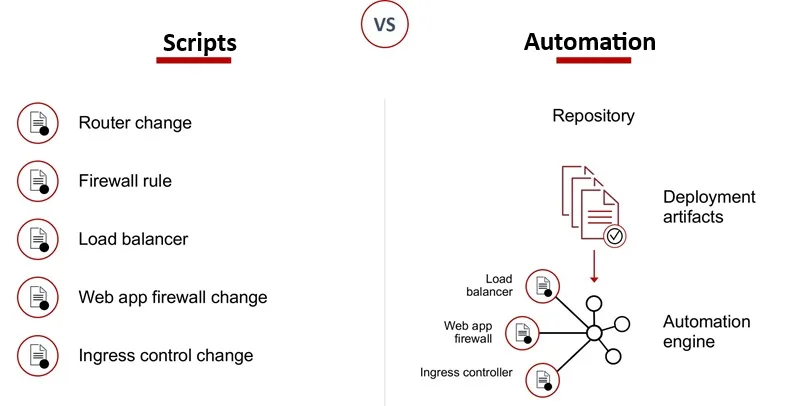
- At the top of your Python scripts, enforce version checks:
import sys
if not (sys.version_info.major == 3 and sys.version_info.minor >= 10):
print(f”Python 3.10+ required, you are using {sys.version_info.major}.{sys.version_info.minor}”)
sys.exit(1)
Allows early failure with clear messaging.
- In CI/CD pipelines or Dockerfile builds, always explicitly set and verify the Python version—for consistency.
Summary (50 words):
Easily determine your Python version across Windows, macOS, and Linux using command-line tools like python –version, python3 -V, or script-level methods via sys and platform. This guide offers a comprehensive table, detailed troubleshooting, and practical script examples—essential for compatibility, automation, and development workflows.
FAQs About How to Check Python Version
Why does Python show 2.x when I run python?
On many systems (especially Linux/macOS), python points to Python 2; use python3 instead.
How can I see all Python versions on Windows?
Run py -0 to list all installed versions; py --version shows the default.
How do I programmatically detect the Python version in a script?
Use sys.version, sys.version_info, or platform.python_version().
What does python3 -VV do?
Shows full version info, including build and compiler metadata (introduced in Python 3.6+)
How to check the Python version inside a virtual environment?
Activate the venv and run python --version; this will reflect the venv's interpreter.
What if python --version doesn’t work (especially on Windows)?
Ensure Python is installed and added to PATH, or use the py launcher: py --version.